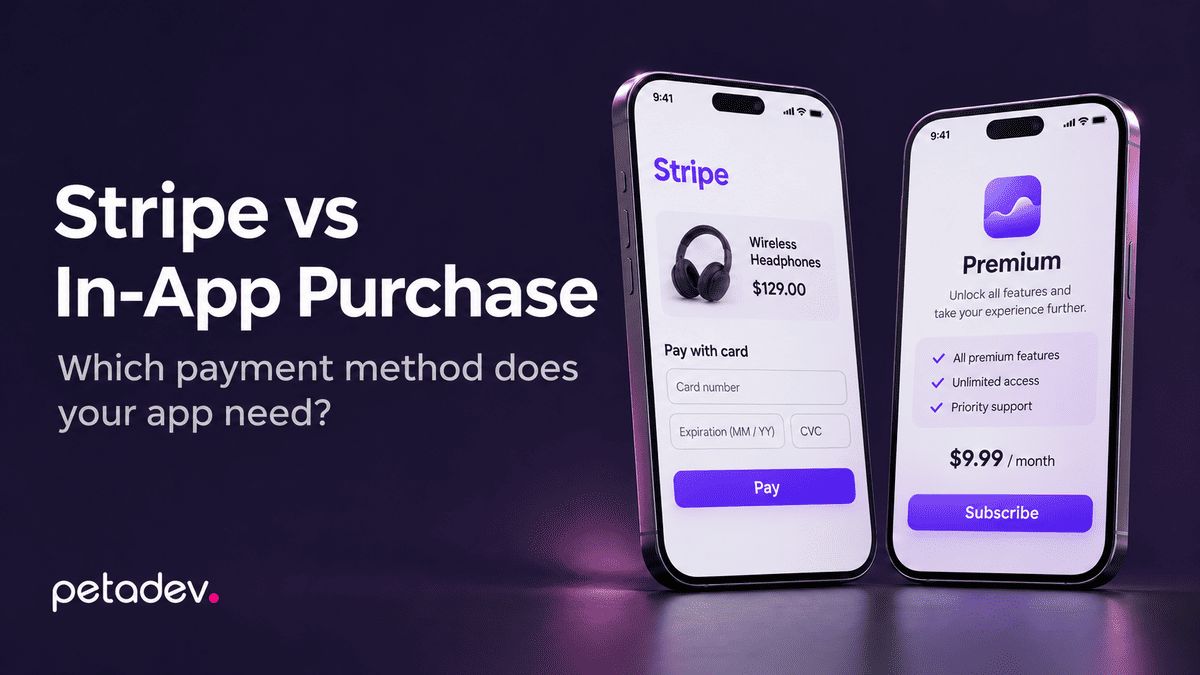
Whether your app uses Stripe or Apple and Google in-app purchase is mostly decided by what you sell. Here is the rule, what each option costs, and how two of our apps ended up on opposite sides.
Last reviewed November 16, 2026. App store payment rules in the US are changing; check the linked sources before you decide.
What your app sells decides most of it. If people pay for digital content or features they use inside the app, Apple and Google generally expect in-app purchase. If they pay for physical goods or services delivered outside the app, in-app purchase is not allowed, and you use a payment processor such as Stripe.
We recommend Stripe wherever the store rules allow it, and in-app purchase where they require it. Below is how to tell which side your app is on, what each option costs, and how two apps we built ended up with different answers.
The rule in one table
| What the user pays for | Example | Payment method |
|---|---|---|
| Physical goods | Online store order, food delivery | Stripe or another processor |
| Real-world services | Rentals, bookings, rides, repairs | Stripe or another processor |
| Marketplace payments for physical goods or real-world services | Renter pays owner, client pays freelancer | Stripe Connect or a similar marketplace product |
| Digital content used in the app | Courses, audio tours, premium articles | In-app purchase, or an eligible alternative depending on the storefront and program requirements |
| App features and subscriptions | Pro plan, ad removal, extra storage | In-app purchase, or an eligible alternative depending on the storefront and program requirements |
Apple's App Review Guidelines (section 3.1) and Google's Payments policy draw the same basic line, with exceptions that depend on the country and the store program. Getting it wrong can get a submission rejected.
What each option costs
In-app purchase. Apple and Google take a commission on each sale. Apple's standard rate is 30%, or 15% for developers in the App Store Small Business Program and for subscriptions after the first year. Google's fee structure is changing under its settlement with Epic, so check the current rates in the Play Console before you build a pricing model on them.
Stripe. Standard US pricing for domestic online card payments is 2.9% plus 30 cents per successful charge. International cards, currency conversion and additional products, including marketplace features (Stripe Connect), add their own fees.
Alternatives for digital goods. Where a store lets you use your own checkout for digital goods, the processor's fee may not be the whole cost: the store can charge a service fee on top. Compare total cost, not only the headline rates.
The gap is large, which is why founders ask whether they can avoid in-app purchase. For digital goods, the honest answer is: only partly, and only in some markets.
Can a US app link out to its own checkout?
As of this review, yes, with conditions.
- Apple: following the 2025 court order in Epic v. Apple, US apps can include links to external payment options, and Apple is currently barred from charging a commission on those link-out purchases. Apple has asked the court to approve new commissions on them, and the Supreme Court is scheduled to hear part of the case on January 11, 2027 (docket 25-1311). The details of what an app must offer alongside a link depend on the current App Review Guidelines, so check them for your case.
- Google: since October 29, 2025, Google does not require Play Billing for US users and allows links to outside transactions, through programs that carry reporting obligations and service fees. (Google's US policy update)
Our advice: do not build a business plan that depends on today's link-out terms. They have changed more than once and are likely to change again. Build in-app purchase properly for digital goods, and treat an external checkout as an addition you can turn on or off. Store policy changes are also one reason an app needs ongoing maintenance after launch.
Example 1: Ostva, a rental marketplace on Stripe Connect
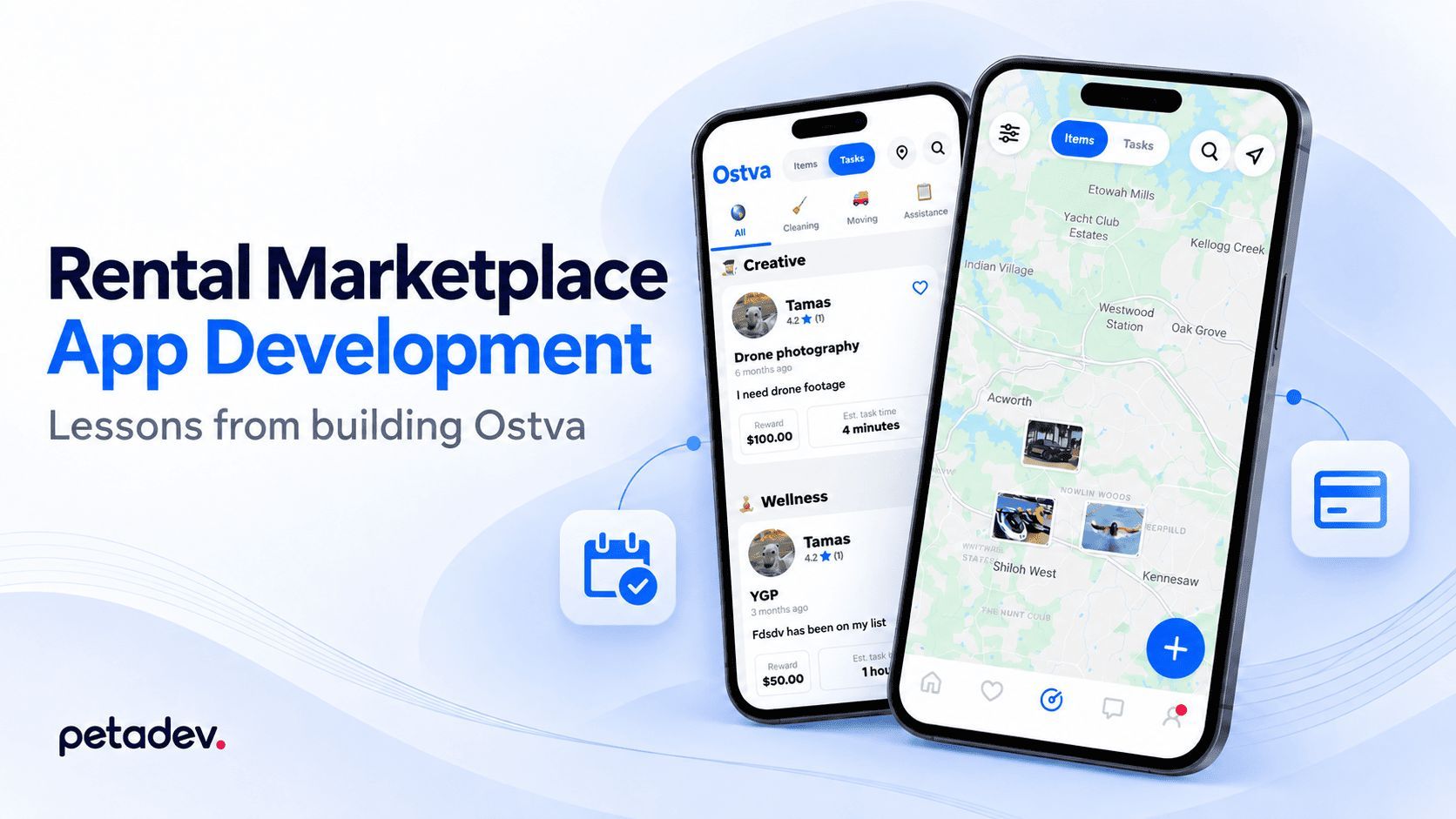
Ostva is a US peer-to-peer rental marketplace. Renters pay owners for the use of physical items, so in-app purchase does not apply. Payments run through Stripe Connect, and the platform earns a commission fee on each booking.
Why Express accounts. Stripe Connect offers several account types. We chose Express for the owners who receive payouts. For Ostva, it gave the right balance between platform control, onboarding handled by Stripe, and development effort: more access and control than Standard accounts, with less development work than Custom accounts.
The lesson that matters most. In a marketplace, the hard part is the timing of money movements. Every charge, hold, payout and refund has to happen at the right moment and for the right amount. If a platform charges early and refunds later, it can end up paying processing fees on money it gave back. With enough bookings, that turns a healthy commission into a loss. We planned the holds and releases around the booking flow so the platform does not pay fees it can avoid.
If you are building a marketplace, map every money movement on paper before development starts: who pays, when it is captured, when it is paid out, and what happens on cancellation. We explain why the business model drives these technical decisions in Your business model is a technical requirement.
Example 2: MyCalamari, digital tours through in-app purchase
MyCalamari sells tours that users unlock and use inside the app. That is digital content, so the tours are sold through Apple and Google in-app purchase.
The app also solves a common follow-up problem: some customers buy a tour on a third-party platform. They receive a unique code and redeem it in the app to unlock the tour. The same tours can also be bought in the app through in-app purchase.
This is how one app handles it, not a general store rule. Apple's guidelines restrict apps' own unlock mechanisms (3.1.1) and separately allow access to content acquired on other platforms under conditions (3.1.3(b)). If you sell digital content through partners or your own website as well as in the app, design the access flow for your specific app, storefront and purchase process, and do it during planning.
How to decide for your app
- List everything users will pay for. One app can need both methods: Stripe for a physical service and in-app purchase for a premium feature.
- Classify each item using the table above. If something sits on the line (for example, a live class versus a recorded one), check the store guidelines for that exact case.
- Decide who receives the money. If it goes to other users or businesses, you need a marketplace setup such as Stripe Connect, with identity verification for the people being paid.
- Model the fees with the commission or processing rate that applies to each item. Payment integration also affects the build itself; our mobile app development cost guide shows how.
- Plan for review. In our projects, apps with payments have sometimes needed extra review rounds. Leave time for that before a fixed launch date.
If you are planning a first version, our MVP development page explains how we decide which payment flows need to be in the first release.
Not sure which payment setup your app needs?
Tell us what your app sells and who gets paid. In a free initial consultation, we'll walk through the payment options and what each means for your launch.