An outdated app does not automatically need a rebuild. Our Trinity Guard upgrade shows what to check first, why navigation became the biggest challenge, and how to plan testing before release.
Your app still opens, but its next release is getting harder to ship. An app-store requirement needs attention, a dependency is outdated, or a framework upgrade changes behavior that used to work.
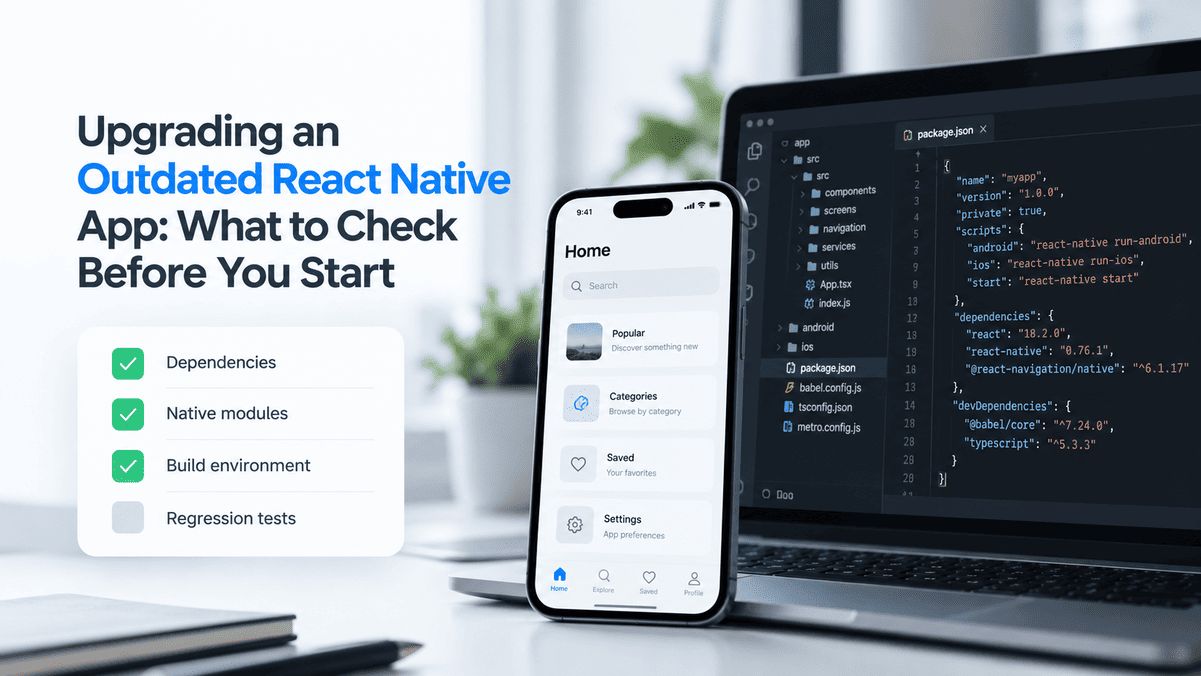
Before committing to a React Native upgrade, you need to understand more than how many versions the project has missed. You need to know whether it builds reliably, which dependencies need work, and which user workflows could break.
At Petadev, we encountered exactly this during a 2024 upgrade of Trinity Guard, a security patrol application. We moved it from Expo SDK 48 to SDK 52. The initial assessment took about half a day, and the upgrade, fixes, testing, and publication took approximately two weeks. The biggest challenge was navigation: back navigation behaved incorrectly in several places after the upgrade.
This article explains what to check before starting, using that project as a practical example.
Quick answer
- Assess the framework, dependencies, build process, and critical workflows before estimating the work.
- Distinguish updating the framework from replacing individual components or rebuilding the product.
- Include regression testing and release work in the scope.
- Treat an initial estimate as a forecast with assumptions. Some compatibility problems only emerge during implementation.
When does a React Native app need an upgrade?
An old version number is a reason to investigate. The urgency comes from what it prevents you from doing or puts at risk.
Common triggers include:
- An app-store requirement that affects submissions or availability.
- Dependencies that no longer support the versions you need.
- Bugs on newer devices or operating systems.
- A new feature that requires an updated native library.
- A build process that has become difficult to reproduce.
For Trinity Guard, the triggers were Google Play's target API requirements and outdated packages.
Google Play distinguishes requirements for submitting new apps and updates from requirements affecting an existing app's availability to new users. An outdated target API level does not automatically mean every existing installation stops working or the app is immediately deleted. Check the actual Play Console notice and the official target API requirements before deciding what needs to change.
Also distinguish Android's target API level from the Expo SDK version. They are related parts of the project's configuration, but they are not the same number or requirement.
What to check before estimating a React Native upgrade
A useful assessment connects technical findings to their effect on the project.
| Area | What to establish | Why it affects the work |
|---|---|---|
| Framework and SDK versions | React Native, React, and Expo versions where applicable | Defines the starting point and compatibility requirements. |
| Third-party dependencies | Which packages are maintained, compatible, or need replacement | A package change can require changes to the features that use it. |
| Native code and configuration | Custom native modules, permissions, and platform-specific setup | These may need work beyond updating JavaScript dependencies. |
| Build and release process | Whether the current app can be built and prepared for release | An unreliable baseline makes upgrade problems harder to isolate. |
| Navigation | Screen transitions, back behavior, and relevant entry points | Navigation failures can interrupt otherwise functional workflows. |
| Business-critical features | The actions users depend on to complete their work | Determines the regression-testing scope. |
| Backend and stored state | API compatibility, sessions, and relevant local data | Existing users must be considered alongside clean installations. |
| Test coverage | Available automated tests, devices, and customer acceptance checks | Determines how the team will validate the upgraded app. |
The output should explain the likely scope, known risks, and what remains uncertain. A dependency list alone does not tell a business owner whether the release is ready to plan.
Trinity Guard: upgrading Expo SDK 48 to SDK 52
Trinity Guard is used for security patrol operations. Its mobile workflows include patrol verification, QR code scanning, reports, chat, and background operation. You can read more about the product in our Trinity Guard case study.
For this upgrade, the task was to update an existing operational application and verify that its core workflows still worked.
| Project detail | What happened |
|---|---|
| Project | Trinity Guard |
| Upgrade year | 2024 |
| Starting point | Expo SDK 48 |
| Target for that project | Expo SDK 52 |
| Main triggers | Google Play target API requirements and outdated packages |
| Initial assessment | Approximately half a day |
| Main implementation challenge | Incorrect back-navigation behavior after upgrading |
| Navigation work | Migration from direct React Navigation usage to Expo Router |
| Total elapsed time | Approximately two weeks, including the upgrade, fixes, testing, and publication |
SDK 52 was the right target for this project in 2024; today's target depends on current store requirements and your dependencies.
Why navigation became the biggest task
After upgrading, back navigation no longer behaved as expected in several parts of the app. Resolving those issues required work on the navigation implementation, not just package version changes.
We migrated the application's navigation to Expo Router and addressed the affected back-navigation flows as part of that work.
That was a project-specific solution. Expo Router was not a requirement for every SDK 52 upgrade: Expo's SDK 52 release notes explicitly supported using React Navigation directly. The Expo Router version for that release itself used React Navigation.
The useful lesson is that compatibility problems can appear in the connections between screens, even when the screens themselves still render. An upgrade plan needs room to investigate and correct that behavior.
Upgrade, replace a component, or rebuild?
A React Native upgrade and a complete rewrite solve different problems. A review should establish how much of the existing application can remain useful.
| Approach | When it is worth considering | What to validate |
|---|---|---|
| Update the framework and dependencies | The application's structure still serves the business and its dependencies have a viable update path | Compatibility and regression risk across important workflows |
| Update and replace selected components | Particular libraries or implementations create problems, while much of the product remains usable | How widely the replacement affects screens, state, and integrations |
| Rebuild substantial parts of the product | The existing implementation makes necessary changes impractical or the requirements have fundamentally changed | Migration effort, feature coverage, existing users, and the full cost of replacing working behavior |
Trinity Guard illustrates the middle option: updating the application included changing its navigation implementation.
A rebuild recommendation should identify the specific limitations of the existing code and explain the trade-off. The age of the framework alone is not enough.
For Expo projects, the official upgrade guide recommends moving through SDK releases incrementally to help identify where issues arise. That is general guidance for planning the work; the SDK 48-to-52 range above describes our project's starting and ending versions.
How we tested the Trinity Guard upgrade
Our testing progressed from the development environment to physical devices and then customer testing:
- Emulator testing and unit tests.
- Internal testing on approximately three to four Android devices and three to four iOS devices.
- Customer testing on approximately seven to eight device types.
- Fixes and publication as part of the overall delivery.
The critical areas included patrol verification, QR code scanning, reports, chat, and background operation.
For another application, the regression plan should follow its own business risks. A subscription product may need particular attention to purchases and access. A field application may need more attention to permissions, background behavior, and returning to a task after an interruption.
Test the workflows, not just the launch screen
A successful build is an important milestone, but it does not demonstrate that users can complete their work.
Before release, agree on the journeys that must still function and the expected result at each step. Include relevant navigation sequences, interruptions, and returns to the app. Where stored data or sessions matter, test an upgrade from the existing app as well as a clean installation.
For Trinity Guard, the navigation issues made this distinction concrete: confirming that a screen opened was insufficient to confirm that moving back through the workflow behaved correctly.
What affects the cost and timeline?
Two applications on the same Expo SDK can require very different upgrade efforts.
The main variables include:
- Dependency changes: updating an actively maintained package can be different from replacing an abandoned one.
- Native integrations: custom platform code adds compatibility work.
- Navigation and state: changes can affect behavior across several screens.
- Build issues: problems in the existing setup may need to be resolved before progress can be measured.
- Testing scope: critical features, supported devices, and customer acceptance all require time.
- Release work: preparing and publishing the update belongs in the plan, with external review timing considered separately.
In Trinity Guard's case, the complete process took approximately two weeks.
At Petadev, we offer a free initial assessment to help owners understand the likely time and cost of an upgrade. Even after that assessment, some problems may only become visible when dependencies are updated and the application is tested.
A useful estimate therefore needs assumptions and a clear description of its scope. Ask whether it covers investigation, fixes, regression testing, customer testing, and release work—not just updating packages.
What to prepare before requesting an assessment
You do not need to know every technical detail before contacting a development team. Start with what you have:
- App Store and Google Play links, if the app is published.
- The reason for the upgrade, including any store notices or deadlines.
- Known bugs and steps to reproduce them.
- Your most important user workflows.
- Known React Native or Expo versions.
- The status of source-code access and the most recent successful build.
- Relevant test accounts and documentation, shared securely when needed.
Keep credentials and sensitive project material out of public forms. Repository and account access can be arranged through appropriate invitations.
If you are also changing development teams, our guide to taking over an existing app covers that handover separately. The upgrade assessment should then establish both what can be accessed and what needs to change.
Is your React Native app falling behind?
Tell us what's prompting the upgrade and any store deadline you're facing. We'll start with a free assessment of the likely scope, timeline and cost.